 Carrylist
Read and select the printed items
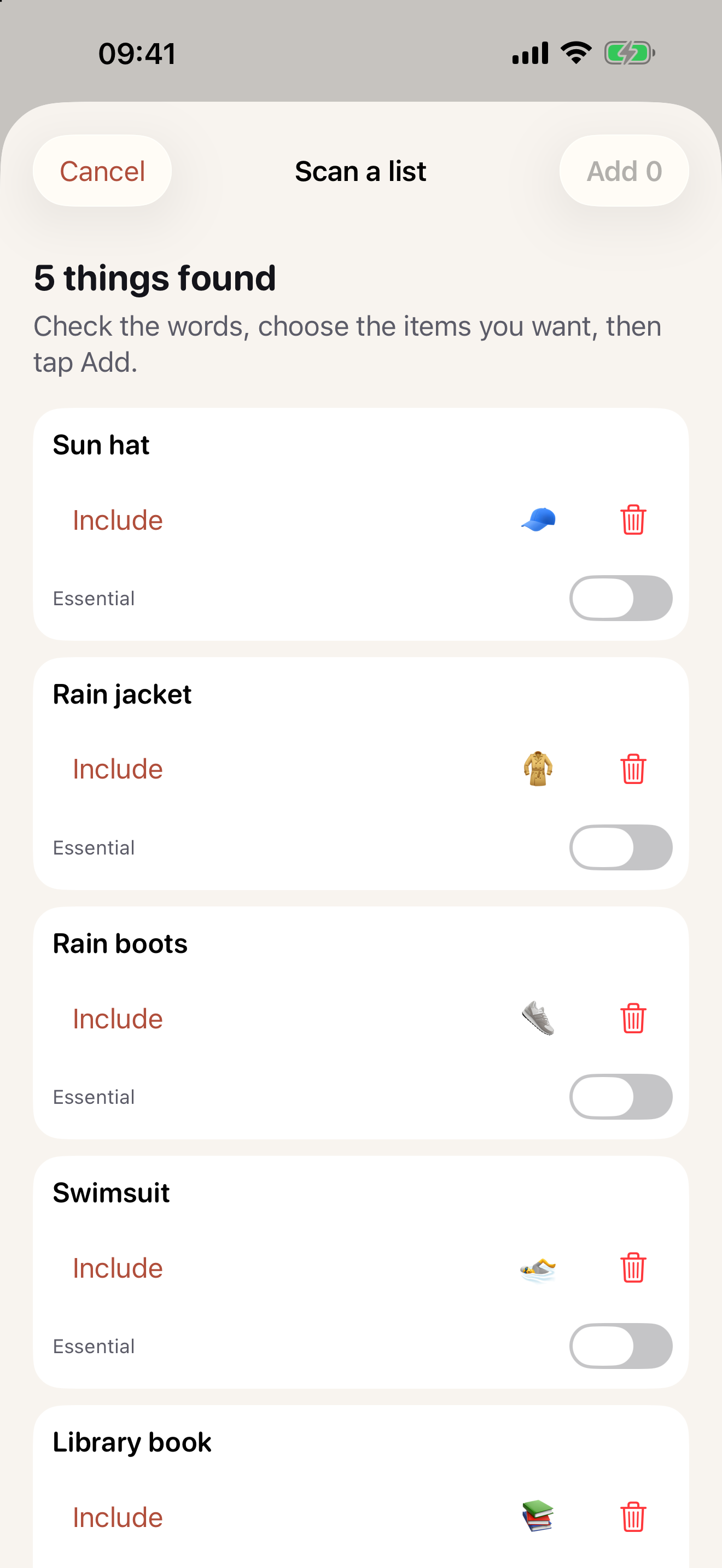
- Open the bag and choose Scan a list, or use Scan a printed list when adding items.
- Photograph the printed list or choose the offered photo route.
- Wait for the recognized text.
- Correct names and select only what belongs in this bag.
- Tap Add for the selected items.
Separate classroom supplies from daily belongings
A school supply sheet includes items that stay in class. Do not add every line to the daily bag. The scan photo is not uploaded or saved.
Keep this in your child’s bag list
Turn the printed request into selected bag items after reviewing what actually travels.
Get Carrylist free
Unlimited solo use. Free.
For iPhone and iPad. iOS 18 or later.
Sharing with one other adult needs a monthly or yearly Household subscription. The invited adult pays nothing.
Reviewed October 2, 2026. Maintained by Joao Vitor Humenhuk Achutti.