 Carrylist
For the things that go with them
Know what’s packed
before you leave.
The school bag. The swim kit. Tomorrow’s things, ready to go. See what’s packed, what’s missing, and who has the bag.
Unlimited solo use. Free.
For iPhone and iPad. iOS 18 or later.
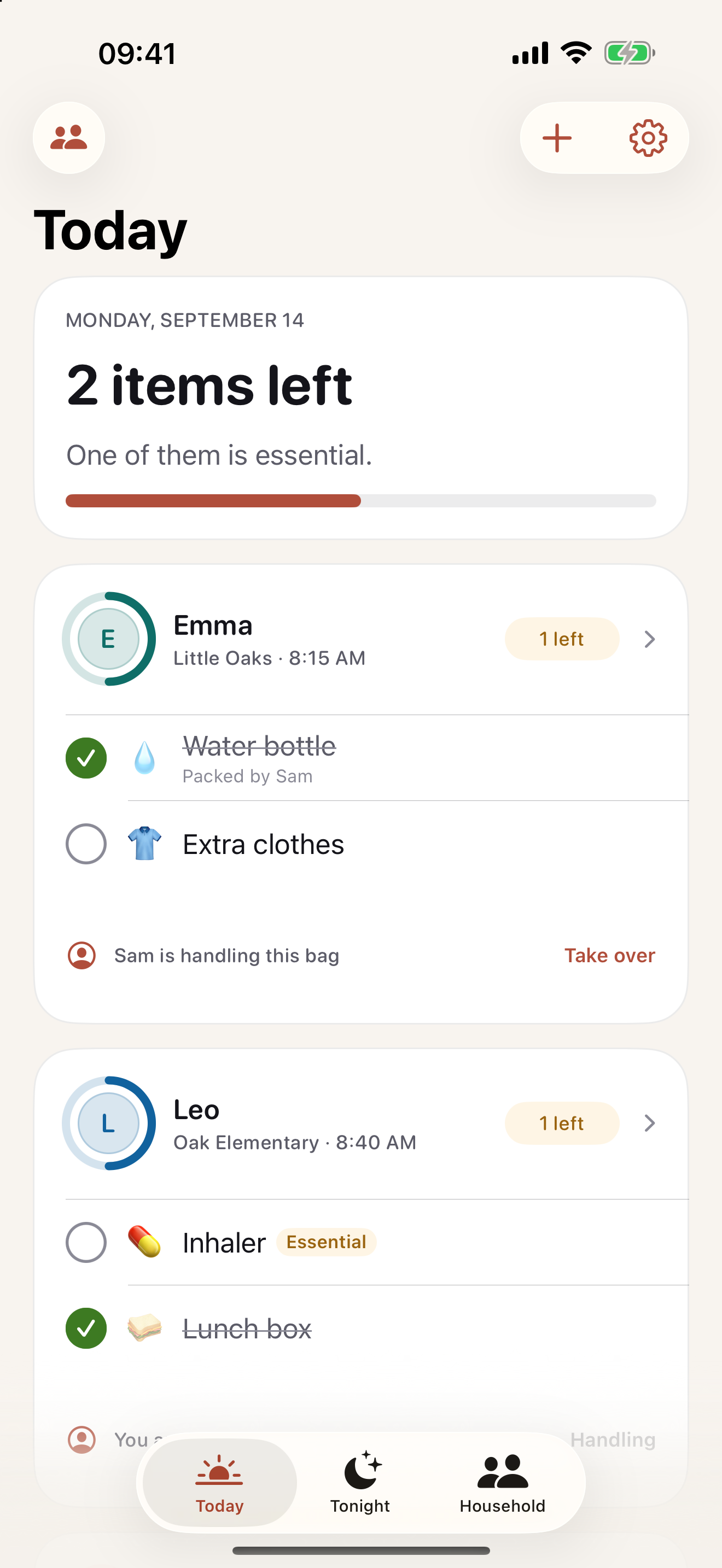
Each child. Each bag.
Keep school, preschool, and sports gear in their own lists, with the time each bag leaves.
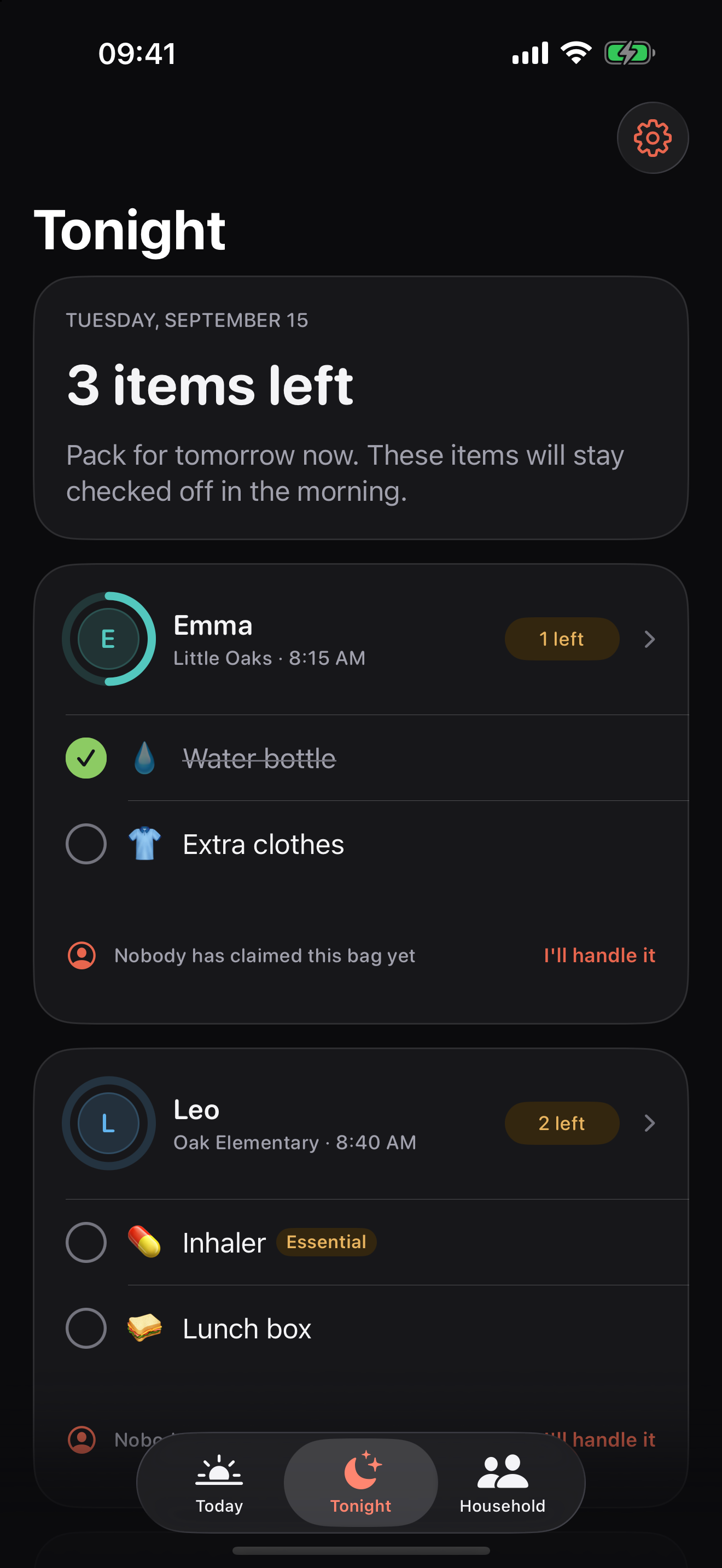
Tomorrow, sorted tonight.
Pack dry gear in the evening. What you check off stays packed in the morning.
Two adults, one list.
See who packed what and who has the bag. Sharing needs one Household subscription.
The same bags. A clearer picture.
Less asking.
More knowing.
The next bag comes first.
Today puts bags in departure order. Check items off as they go in, then use “Confirm it left” when the bag goes out the door.
Read how it worksTomorrow starts here.
Tonight shows the next day’s bags. Pack ahead, leave fresh food for morning, and set weekly routines for the kit that comes around again.
Read how it worksYou can both see it.
Claim a bag, check off an item, and see a name against the update. Household shows recent activity from both adults. Check sync when a phone has been offline.
Read how it works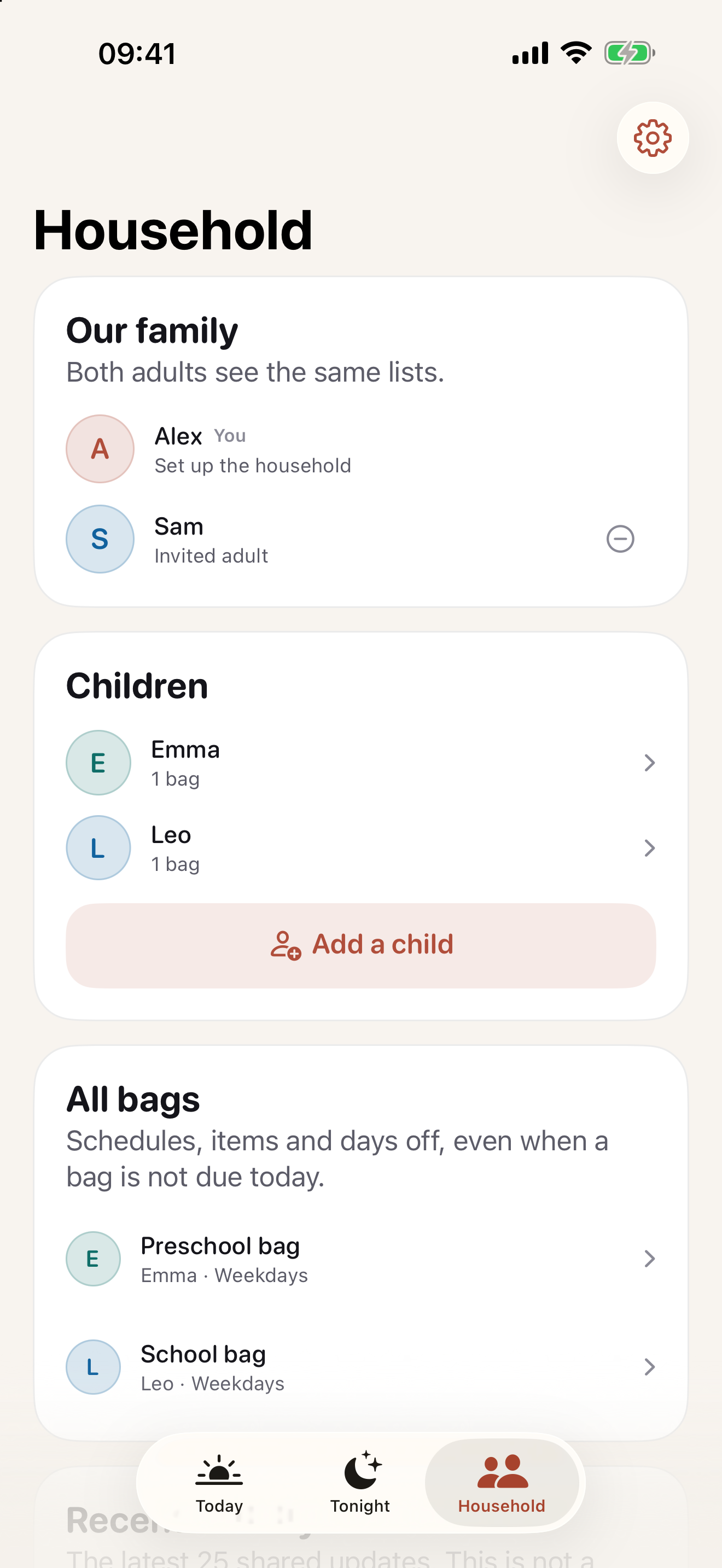
On your own. Free.
No limit on children, bags, items, or routines. No Carrylist account to create. Start with the bag that leaves tomorrow.
Share with one other adult.
One monthly or yearly Household subscription covers both adults. Apple shows your local price and any eligible trial before purchase.
If the subscription ends, sharing stops. The owner’s lists stay on their device.
A useful place to start
What needs to go in?
Use a checklist, plan the morning, or work out tomorrow’s kit.
Packing checklists
Pack tomorrow’s school bag
Start with the school’s own list. Add lunch, a filled water bottle, the correct books, and any item needed on tomorrow’s timetable. Check the actual bag before leaving.
Practical guides
What to pack tonight, and what to leave for morning
Pack dry equipment tonight. Keep a short list of items that must wait until morning, such as fresh food and a bottle still in use. Check tomorrow’s timetable first.
Free tools
Work backward from the time you need to leave
Enter the time you need to arrive, travel minutes, and a buffer. The planner calculates when to leave and when to start getting ready.
Packing checklists
The preschool bag
Pack a labeled change of clothes, a drink, and the items your preschool asks you to bring. Ask what stays there before filling the bag.
A few things to know
What is free?
Solo use is free, with unlimited children, bags, items, and routines. Sharing with a second adult needs a Carrylist Household subscription.
Does the other adult need to pay?
No. The adult who creates the household pays for one subscription. They can invite one other adult on a separate Apple Account.
Does it work without a signal?
You can check items off offline. Shared updates reach the other adult when iCloud reconnects. Check sync before relying on another adult’s changes.
Can I use a printed school list?
Yes. Scan a printed list, check the recognized words, and choose the items to add. Recognition runs on your device. The photo is not uploaded or saved.
Will it remind me before we leave?
With notifications enabled, Carrylist can remind you 30 minutes before a bag leaves if something is unpacked. In a bag with essential items, only those items count.
Which devices can I use?
Carrylist supports iPhone and iPad running iOS or iPadOS 18 or later. The public App Store listing confirms the current device requirements.
Start with tomorrow’s bag.

Unlimited solo use. Free.
For iPhone and iPad. iOS 18 or later.