 Carrylist
Choose the complete break range
- Open the bag editor and select Skip days and add a one-off item.
- Enable Add a school break.
- Set From to the first day without that bag.
- Set Until to the last day without that bag.
- Tap Save and check the dates.
Include the last day off
The bag stays off from the first date through the last date. A club bag with another holiday schedule needs its own adjustment.
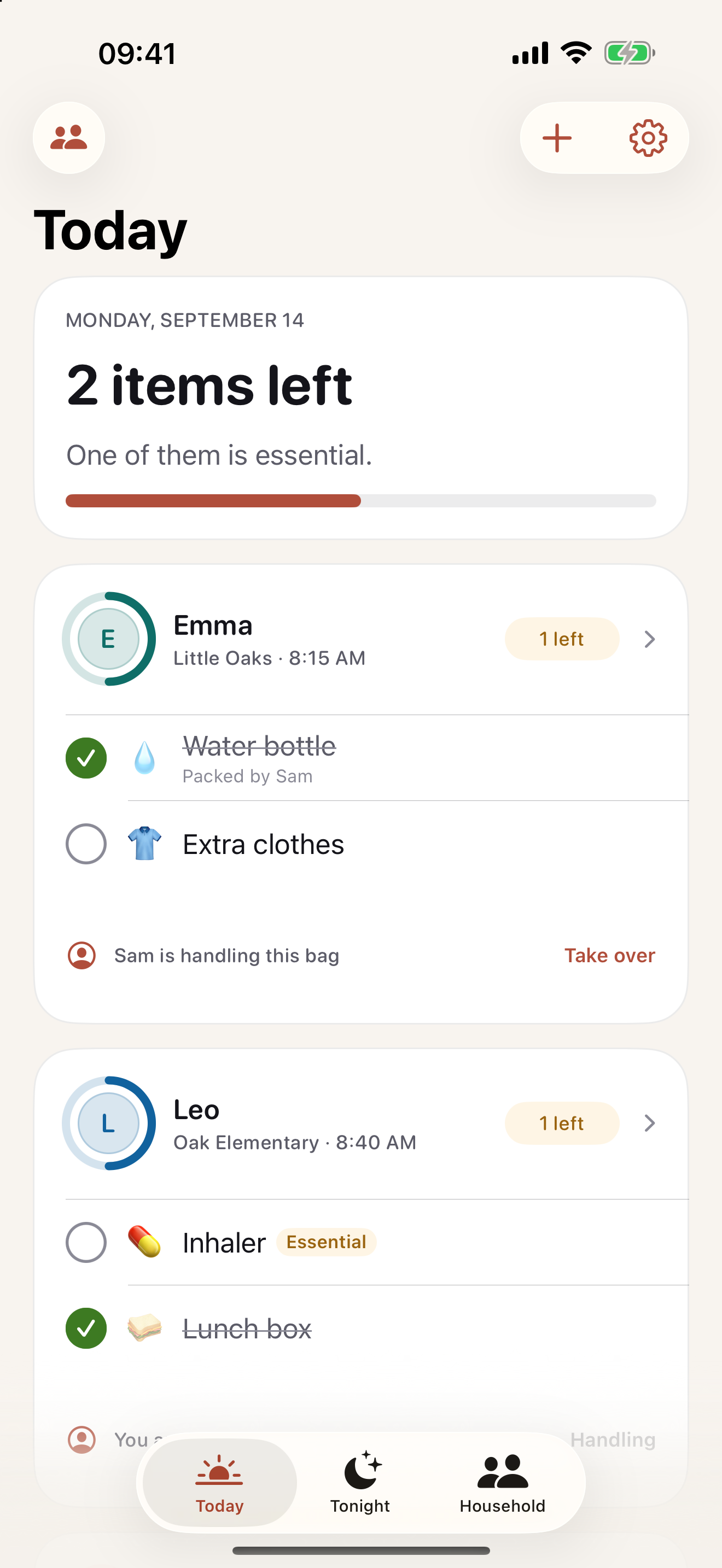
Keep this in your child’s bag list
Pause the school bag while leaving a club bag with its own schedule available.
Get Carrylist free
Unlimited solo use. Free.
For iPhone and iPad. iOS 18 or later.
Sharing with one other adult needs a monthly or yearly Household subscription. The invited adult pays nothing.
Reviewed October 2, 2026. Maintained by Joao Vitor Humenhuk Achutti.