 Carrylist
Skip the current departure
- Open the bag editor.
- Select Skip days and add a one-off item.
- Enable Skip this bag today.
- Tap Save.
- Check the next scheduled day separately.
If the switch is not offered
The switch appears when the bag is due today or already skipped today. Use a school break for future date ranges.
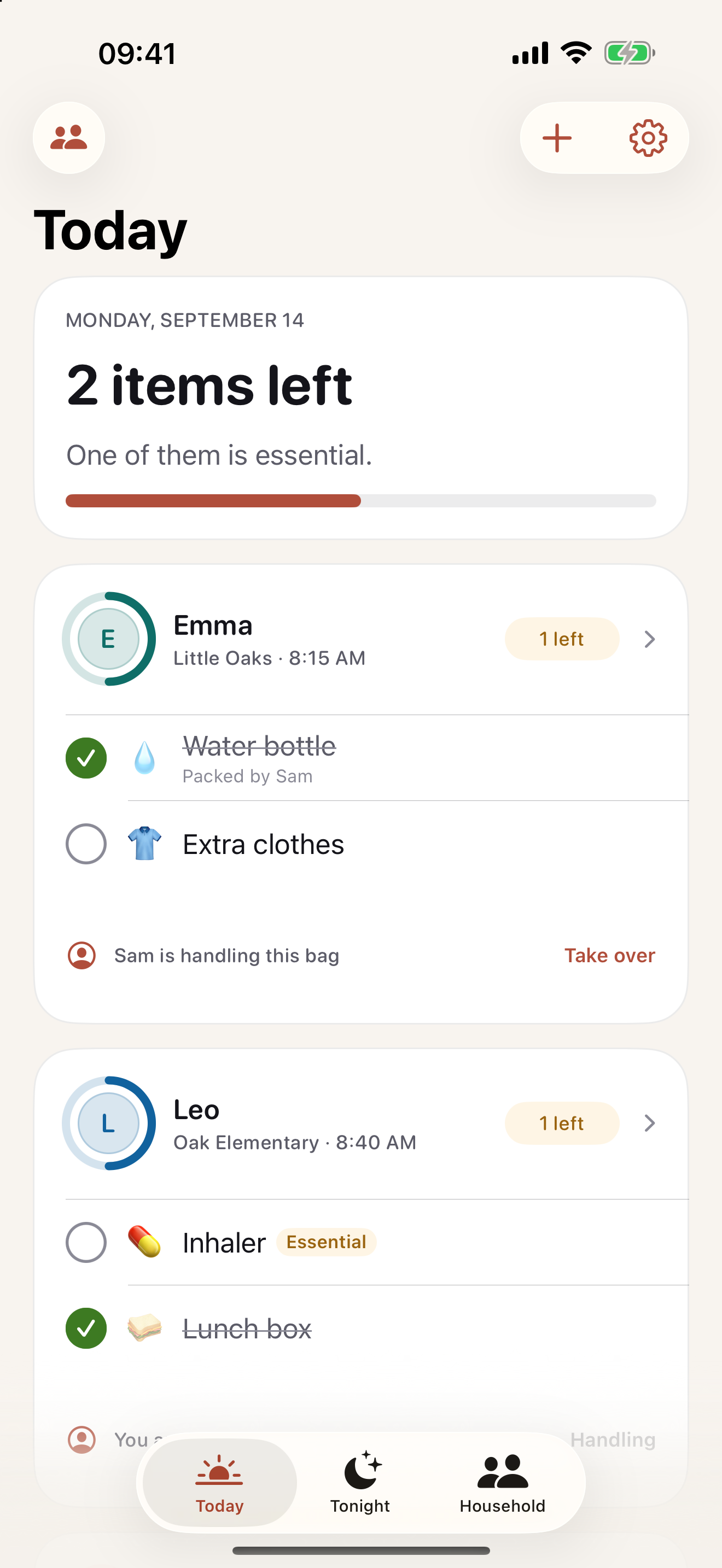
Keep this in your child’s bag list
Skip the single absence while keeping the normal weekly bag pattern.
Get Carrylist free
Unlimited solo use. Free.
For iPhone and iPad. iOS 18 or later.
Sharing with one other adult needs a monthly or yearly Household subscription. The invited adult pays nothing.
Reviewed October 2, 2026. Maintained by Joao Vitor Humenhuk Achutti.