 Carrylist
Choose the child and schedule
- On first launch, enter the household and child details. For another bag, open Today and use the add-bag control.
- Choose the child and destination. Check the bag’s Name and Goes to fields.
- Set Leaves at and Which days for the real departure.
- Add the required items under What goes in it.
- Tap Save and check the bag on a scheduled day.
If the bag is not on Today
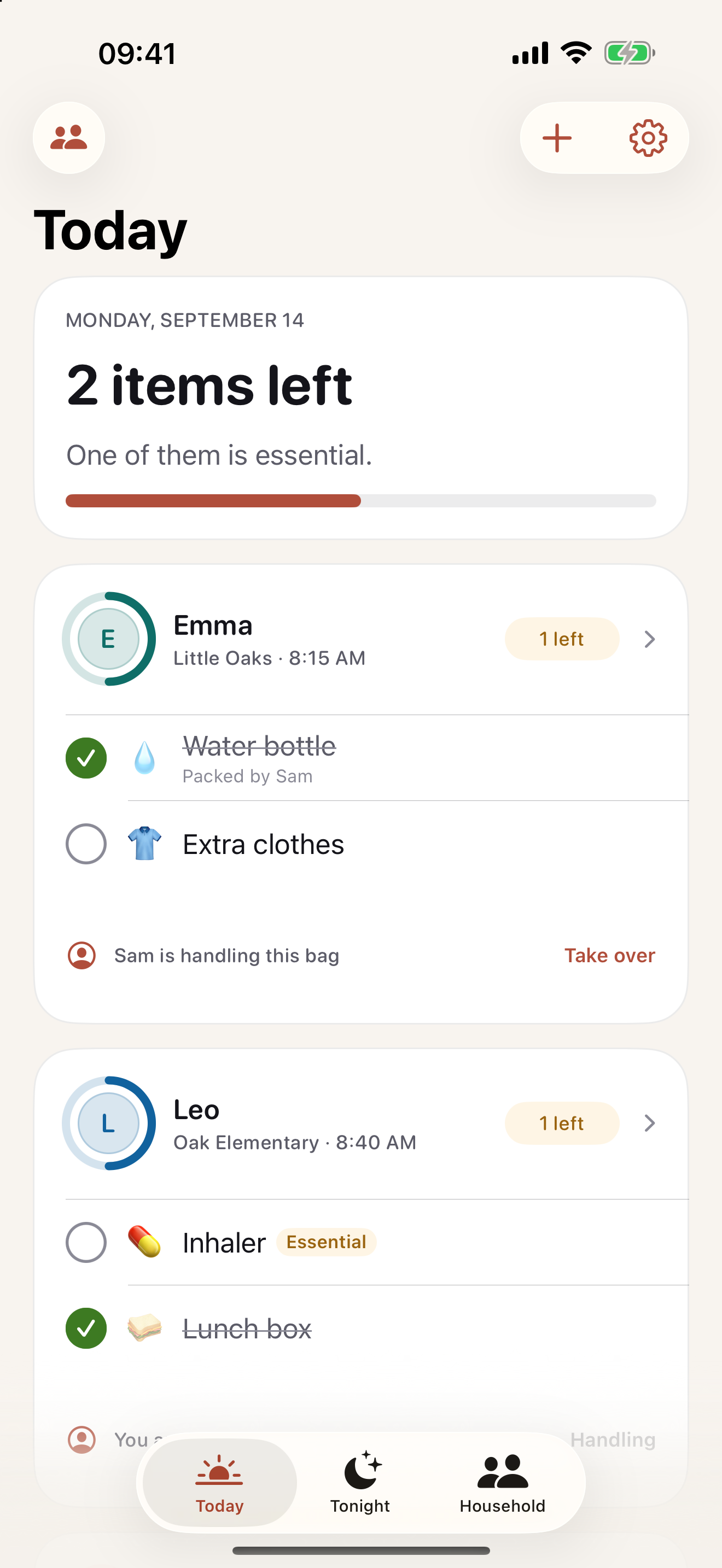
Check Which days and any date adjustments. A bag scheduled for another weekday is not due today. Tonight shows the next day, which can have different bags.
Keep this in your child’s bag list
Start with the next real school departure and keep only the items that travel in that bag.
Get Carrylist free
Unlimited solo use. Free.
For iPhone and iPad. iOS 18 or later.
Sharing with one other adult needs a monthly or yearly Household subscription. The invited adult pays nothing.
Reviewed October 2, 2026. Maintained by Joao Vitor Humenhuk Achutti.