 Carrylist
Add the child in Household
- Open Household.
- Select Add a child and enter the child’s name.
- Create or edit a bag and select that child.
- Set the destination, departure time, and weekdays.
- Add that child’s items and save.
Check the child before reusing a list
Siblings may need different books, clothing sizes, and activity gear. One physical item cannot satisfy two bags that leave together.
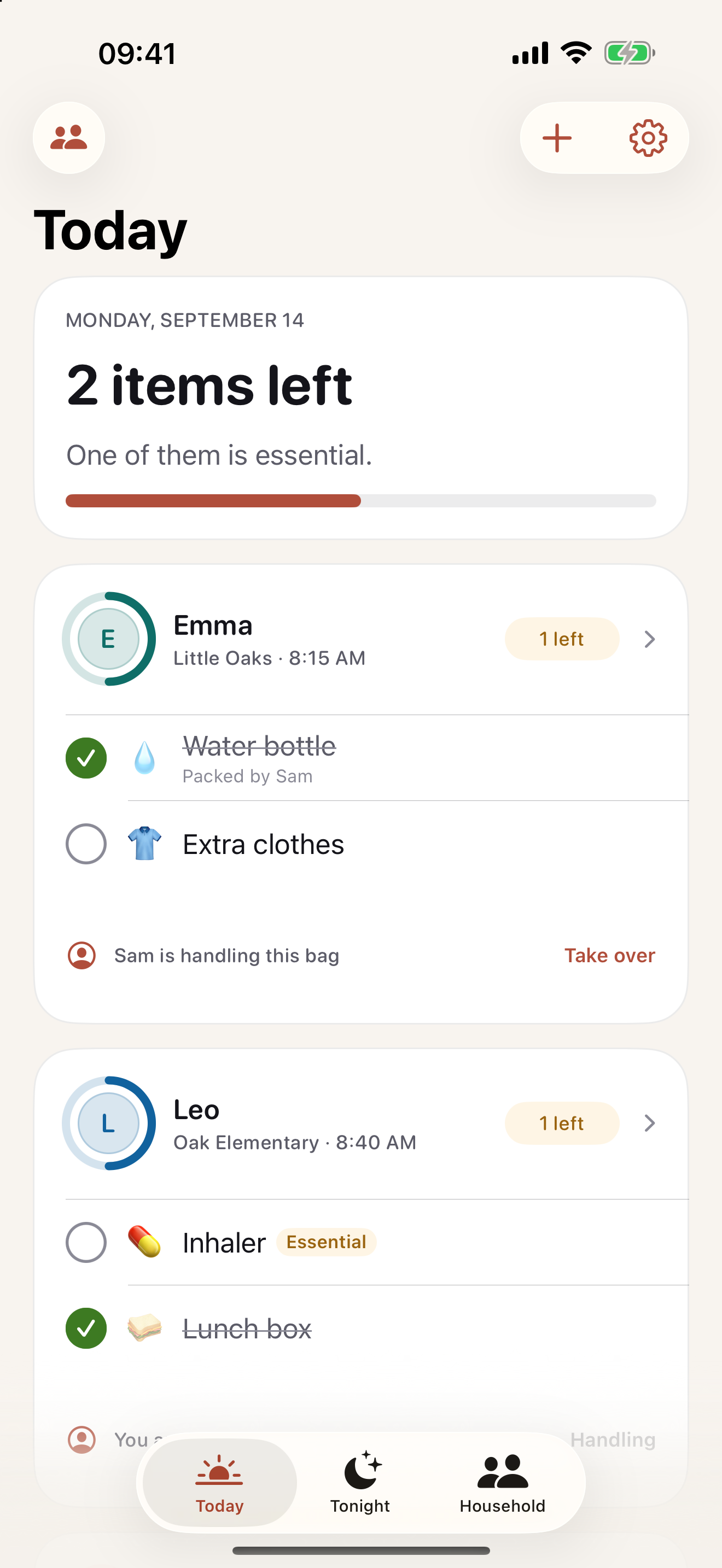
Keep this in your child’s bag list
Give each sibling a separate child record and bag so the packing status refers to the right person.
Get Carrylist free
Unlimited solo use. Free.
For iPhone and iPad. iOS 18 or later.
Sharing with one other adult needs a monthly or yearly Household subscription. The invited adult pays nothing.
Reviewed October 2, 2026. Maintained by Joao Vitor Humenhuk Achutti.