 Carrylist
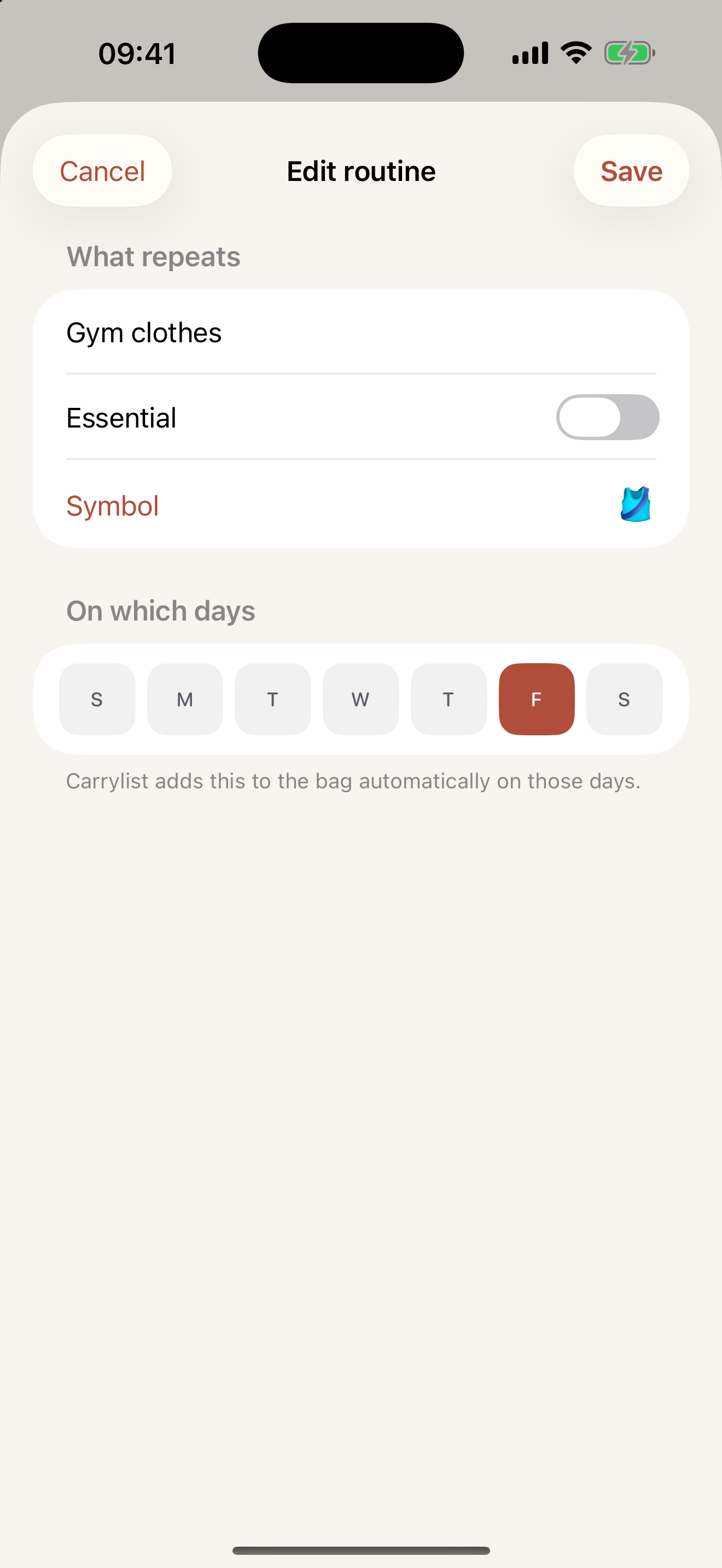
Choose the item and repeat days
- Open the relevant bag’s editor.
- Under Repeat routines, select Add a routine.
- Enter the item and choose its weekdays.
- Tap Add for a new routine, or Save when editing it.
- Check Today or Tonight for a day when it is due.
Keep occasional extras out of the routine
A one-off permission slip belongs on its required date. A routine represents a repeating requirement. Update its weekdays when the timetable changes.
Keep this in your child’s bag list
Use a weekly routine for the exact weekday your child needs that item.
Get Carrylist free
Unlimited solo use. Free.
For iPhone and iPad. iOS 18 or later.
Sharing with one other adult needs a monthly or yearly Household subscription. The invited adult pays nothing.
Reviewed October 2, 2026. Maintained by Joao Vitor Humenhuk Achutti.